







Aggregated Conversations
Start with aggregated conversations and organize frequently used projects according to your actual work needs.
 Welcome to SKYSCRM
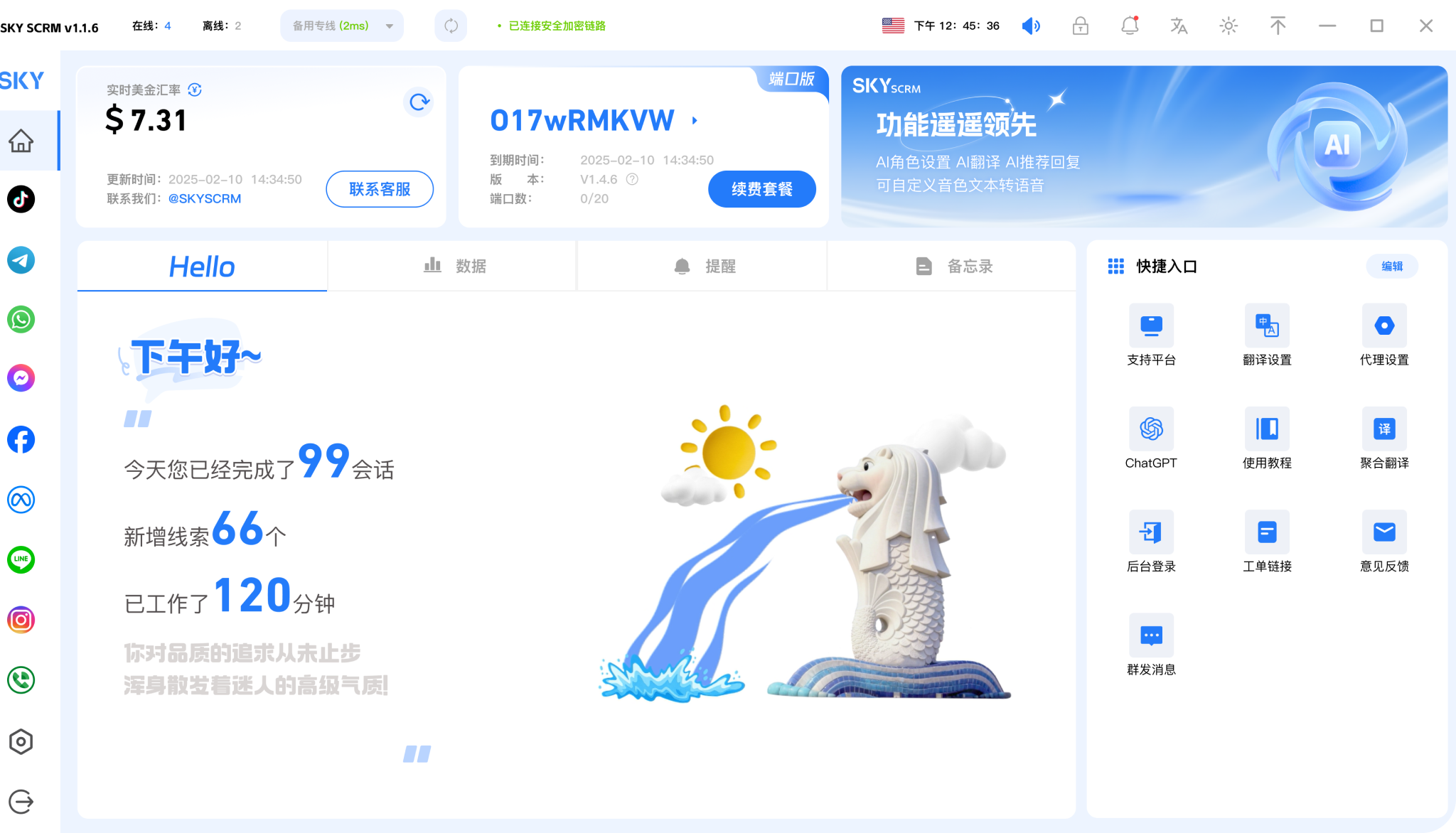

Safely run multiple accounts on 15+ mainstream global social media platforms to build an efficient communication model

Multi-dimensional customer service quality monitoring with real-time alerts to avoid potential risks

Automated marketing methods reduce manual operations and increase efficiency by 80%

Keep multiple accounts online simultaneously across global social media platforms to efficiently manage social media matrix accounts


Start with aggregated conversations and organize frequently used projects according to your actual work needs.

Combine language assistance with customer leads to give daily operations a clear arrangement.

Use team collaboration in a familiar interface and adjust your own settings as needed.











View options related to aggregated conversations, and confirm device and version information before you start using it.
🗯️Free Trial


Place frequently used features where they are easy to find, reducing repeated searching and switching.
🗯️Free Trial


Keep useful information around language assistance for easier follow-up next time.
Try Now







Arrange social conversations, language assistance, and customer follow-ups in a unified workspace.
Start with aggregated conversations and organize frequently used projects according to your actual work needs.
Combine language assistance with customer leads to give daily operations a clear arrangement.
Use team collaboration in a familiar interface and adjust your own settings as needed.
View options related to aggregated conversations, and confirm device and version information before you start using it.
Select the device system in the download center and view the corresponding version name.
Open the installation file and complete the setup by following the installation prompts on your device.
Choose the client that corresponds to your device.
View All Download Versions →SKYSCRM Translation helps you quickly understand multilingual content in chat, browsing, and document scenarios. Get clear translations without switching between complicated tools—ideal for daily communication, learning, and light office work.
Type or paste text into the conversation window to get smooth translations—perfect for keeping seamless communication with friends and colleagues who speak different languages.
When browsing foreign-language news or materials, quickly translate the core content of the page, reducing copy-and-paste steps and making reading more连贯.
Follow the beginner installation guide to complete basic setup, choose your commonly used language pair, and start your translation experience on supported devices.
It is suitable for daily chatting, reading foreign-language web pages, understanding study materials, and light document translation. You can choose text translation or page translation based on your current task, reducing the hassle of switching between different tools.
After installation is complete, first choose your commonly used language pair, then confirm basic permissions and display settings according to the prompts. It is recommended to test a short piece of text first, and once the translation result meets expectations, use it for chatting or web reading.